Set default character styles in Adobe InDesign
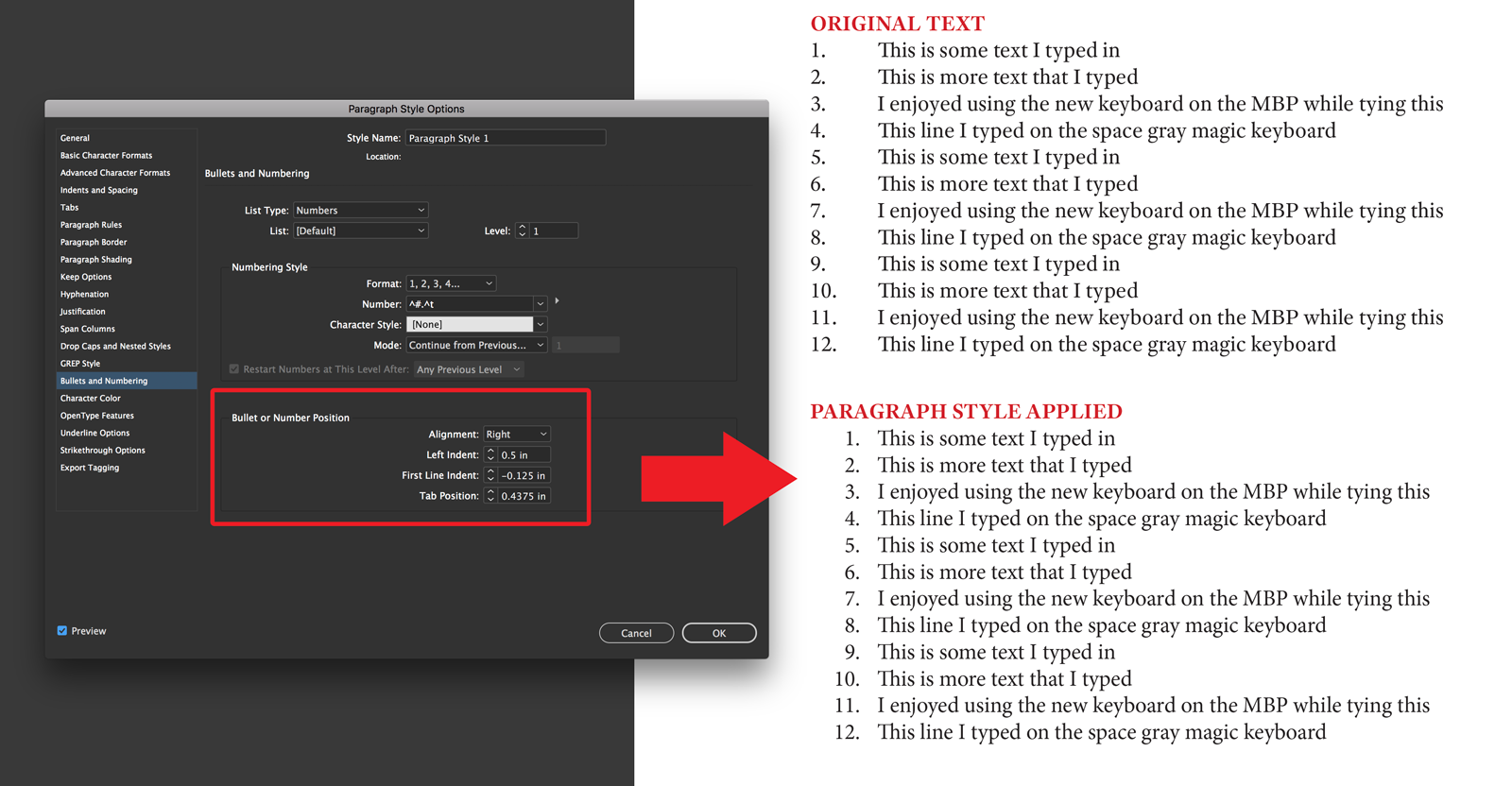
 Many InDesign users know you can set the default colors displayed in the Color panel by setting them without a document open. I’ve recently realized that you can do the same thing with Character Styles. Open InDesign, but don’t open a document (that part is important). Now go to your Character or Paragraph Styles panel and set all your preferred styles like font choice, point size, kerning settings, indents & spacing and a keyboard shortcut. Now just hit OK to commit the settings to InDesign’s memory. From now on, whenever you start up InDesign and/or create a new document, those Character styles will already be set up and available.